

.png "H96 Max Android TV Box video reviews and tutorials on YouTube")
.png "H96 Max Android TV Box photos and lifestyle shots on Instagram")



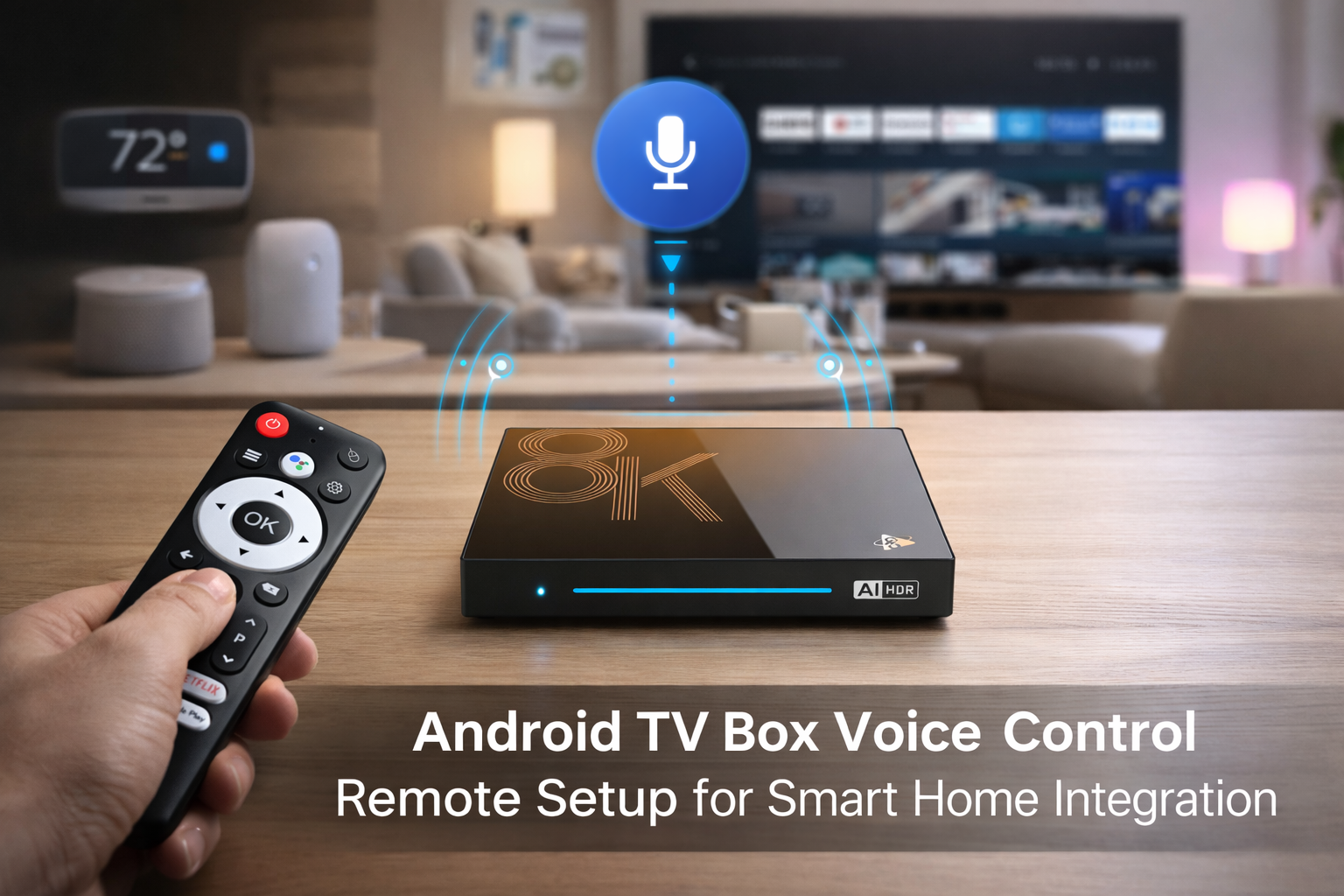
Professional Guide: Setting Up Android TV Box Voice Control from Alexa, Google Assistant to Local Experience
Introduction to Android TV Box Voice Control Ecosystem
Android TV Box Voice Control is revolutionizing the smart home entertainment landscape by providing a seamless, hands-free user experience. In this comprehensive guide, we delve into the architecture, integration, and optimization of Android TV box voice control setup. From Google Assistant Android TV box and Alexa voice control Android TV to advanced custom solutions, this resource delivers actionable insights for system integrators, product managers, and technical decision-makers. We cover every phase, from initial requirements analysis to hands-on deployment, ensuring you gain a competitive edge with the most advanced Android TV box with voice assistant capabilities.
Key Architectures: Cloud-based and On-device Voice Control
Modern Android TV Box Voice Control architectures blend cloud-based voice recognition engines with on-device intelligence for responsiveness and privacy. Google Assistant Android TV box integrations commonly rely on Google’s cloud natural language processing, while Alexa voice control Android TV platforms utilize Amazon’s robust Alexa Voice Service (AVS). For enterprises seeking data sovereignty, custom voice control Android TV box solutions leveraging local ASR (Automatic Speech Recognition) offer granular control over data and user experience.
System Integration: Hardware & Software Considerations
Professional deployment starts at the hardware layer: microphone arrays, far-field voice pickup, and digital signal processors (DSPs) are foundational. Voice wake-up word models are optimized for accuracy and low-power consumption. On the software side, Android TV box voice control setup involves robust HAL (Hardware Abstraction Layer) integration and multi-language support, often aligning with Google Assistant Android TV box or Alexa voice control Android TV APIs. Custom solutions frequently require tailored firmware and secure communication protocols to safeguard voice data.
Security & Privacy by Design
Voice control technologies are only as strong as their security posture. Android TV Box Voice Control professionals must implement end-to-end encryption for all voice interactions, secure user authentication for cloud connections, and regular firmware updates. Solutions like Google Assistant Android TV box and Alexa voice control Android TV use established OAuth flows and cloud token management, while custom voice control Android TV box deployments can embed unique device certificates for added security.
Google Assistant: Android TV Box Integration
Android TV box with voice assistant powered by Google Assistant delivers natural language processing, smart home integration, and contextual search. For a seamless Android TV box Google Assistant voice setup, developers register devices via the Google Actions Console, configure Assistant SDK on-device, and ensure compliance with Google’s certification. The device firmware must support continuous listening, noise suppression, and context switching for dynamic TV control and app launching. Additionally, privacy settings for voice recordings should be user-configurable.
Alexa: Voice Control on Android TV Box
The Alexa voice control Android TV solution is gaining traction among OEMs for its device compatibility and expansive skill ecosystem. To implement how to setup Alexa on Android TV box, professionals provision devices in the Alexa Voice Service Developer Console, configure AVS endpoint access, and integrate Alexa Client SDK at the OS level. Dual-mic or far-field mic arrays enhance wake word accuracy, while device firmware ensures timely OTA updates to maintain Alexa compliance and enable new skills.
Custom and Hybrid Voice Control Solutions
Custom voice control Android TV box solutions are developed for brands seeking unique experiences, multi-language support, or deployment in restricted network environments. Local ASR engines, such as Snowboy or Vosk, can be embedded on the device, delivering millisecond response times and full data privacy. Hybrid solutions allow fallback to cloud-based services if connectivity permits, providing both resilience and scalability for Android TV box with voice assistant features. System integrators may leverage edge AI chips to offload natural language understanding (NLU) for reduced latency.
Testing, QA, and Performance Tuning
Thorough QA is vital. Voice accuracy tests cover diverse accents, noise environments, and command variations. Latency benchmarks measure end-to-end response times for voice-initiated actions. Android TV Box Voice Control optimization may include algorithmic beamforming, echo cancellation, and regular firmware patches. Tools like Google Test Lab and Amazon Device Farm automate testing scenarios to ensure real-world robustness.
Deployment Best Practices and Troubleshooting
Effective deployment of Android TV Box Voice Control involves detailed user training, comprehensive documentation, and clear privacy policies. OEMs and integrators should maintain detailed logs for troubleshooting voice recognition failures and connectivity issues. Rollback procedures and safe mode updates are essential for large-scale deployments. For sustained value, plan regular over-the-air firmware updates and continuous improvement based on analytics feedback.
Future Directions: AI, Personalization, and Cross-platform Expansion
The future of Android TV Box Voice Control lies in AI-driven personalization, cross-platform interoperability, and deep smart home integration. Advancements in federated learning, voice biometrics, and context-aware suggestions will enable even richer experiences. OEMs are exploring voiceprint authentication, on-device NLU, and privacy-preserving analytics as part of their roadmaps. Seamless switching between Google Assistant Android TV box, Alexa voice control Android TV, and custom solutions will define the next generation of Android TV box with voice assistant products.
Conclusion
This professional guide presents a technical blueprint for implementing, optimizing, and scaling Android TV Box Voice Control solutions—from Google Assistant and Alexa integrations to robust local alternatives. Adopting the right architecture, security, and user experience strategy ensures your Android TV box voice control setup delivers real value to both consumers and enterprise clients.
READ MORE
Android TV Box Remote Recovery: 3 Fast Solutions for Not Working Issues
How to Quickly Install APKs to Android TV Box Using Your Phone
Comprehensive Guide to Resolving Android TV Box Error Messages
Android TV Box and TV Compatibility: Fine-Tuning Color, Output, and HDR
Top Setup Tips for the Best Android TV Box for Seniors and Kids
HDMI, CEC, and Resolution: Step-by-Step Guide for Home Theater Setup
New User’s Essential Guide: Complete Android TV Box First-Time Installation Process
Quick Links

.png "Watch H96 Max Android TV Box reviews on our YouTube channel")

.png "Explore H96 Max product photos on Instagram")














