

.png "H96 Max Android TV Box video reviews and tutorials on YouTube")
.png "H96 Max Android TV Box photos and lifestyle shots on Instagram")



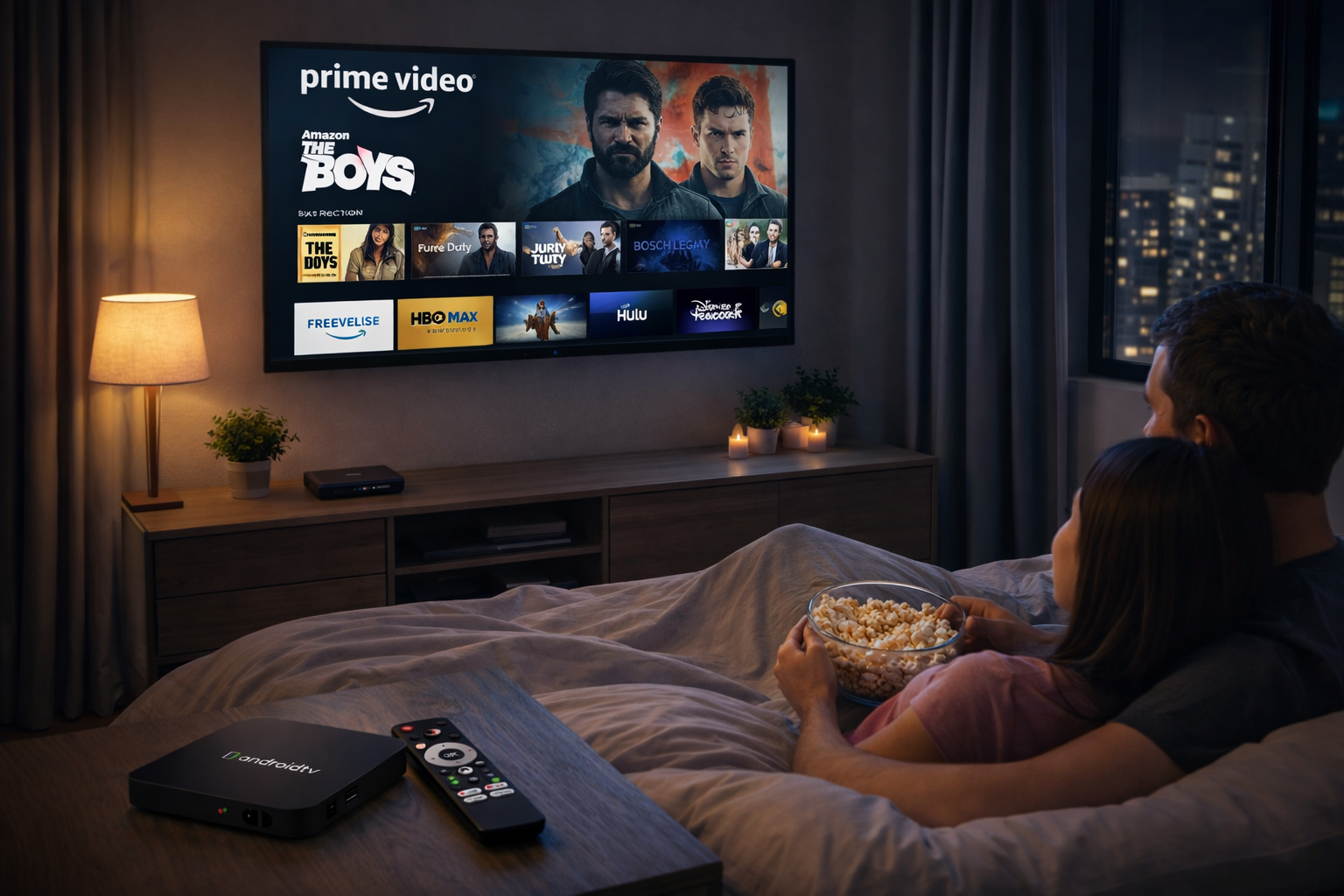
Seamless Android TV Box Streaming Optimization for Global Platforms
Streaming Netflix, Prime Video, and Disney+ from outside your home country is possible, but only with the right Android TV Box Streaming Optimization approach. For international users, bypassing geo-blocks and maintaining high streaming quality on Android TV demands a blend of advanced device selection, network strategy, and ongoing software maintenance. This guide shares practical steps for smooth, secure, and high-definition global streaming.
Tackling Global Streaming Hurdles
Geo-restrictions, ISP throttling, and app compatibility are frequent barriers to international streaming. Android TV Box streaming optimization starts by identifying and addressing these issues. Recognizing how licensing, device region locks, and network congestion affect performance allows you to adopt targeted solutions that bring global content to your screen with minimal hassle.
Building the Ideal Hardware Foundation
Choose an Android TV Box with a fast multi-core CPU, 2GB+ RAM, and recent Android TV OS. Google certification and Widevine L1 DRM are essential for unlocking HD/4K content on Netflix and Disney+. Look for brands offering consistent firmware updates, robust cooling, dual-band WiFi, and gigabit Ethernet for peak performance. Forums and reviews by global users are invaluable for identifying the best devices for your region.
Network Optimization: Wired, Wireless, and VPN Techniques
Wired Ethernet provides unmatched stability, but advanced 5GHz WiFi also delivers strong speeds in modern homes. Prioritize routers with Quality of Service (QoS) features and place your Android TV Box near the signal source. International users benefit greatly from streaming-optimized VPNs and Smart DNS solutions, which bypass region blocks while maintaining speed. Test different server locations for the best balance of speed and access on Netflix, Prime Video, and Disney+.
Routine Software Maintenance for Optimal Performance
Keep your Android TV Box firmware and streaming apps up to date for compatibility and security. Enable auto-updates and review all app and system settings after major updates. Clear cache and reboot your box regularly to free up memory. Troubleshoot new issues quickly by consulting forums or reverting to previous app versions if needed.
App-Specific Optimization Strategies
Netflix: Use only the official app and verify Widevine L1 status. Set video quality to “High” for HD/4K and pair with a VPN server in your preferred country to unlock local content.
Prime Video: Sideload official APKs when unavailable locally. VPN or Smart DNS unlocks full content libraries and improves compatibility. Adjust playback and data usage settings for your available bandwidth.
Disney+: Select the nearest VPN or DNS server to reduce latency and improve performance. Keep the app updated and use “Auto” resolution settings for stable, high-quality streams. Reinstall the app if errors persist.
Personalizing and Securing the Streaming Experience
Create multiple Android TV user profiles to keep watch histories and recommendations separate for each viewer. Use robust parental controls and PINs to restrict access for younger family members. Secure your Google and streaming accounts with two-factor authentication and use strong, unique passwords, especially when accessing content abroad.
Premium accessories—wireless remotes, keyboards, Bluetooth speakers—can greatly improve usability and immersion, making navigation smoother and sound richer for everyone.
Troubleshooting for International Users
Common streaming issues include buffering, stuttering, or app crashes. Start by testing your connection, changing VPN or DNS locations, and rebooting the device. If problems persist, clear cache/data or reinstall streaming apps. Consult device-specific online forums for advanced fixes and use a factory reset as a last resort for recurring, unresolvable errors.
Advanced Tips for the International Streaming Enthusiast
Power users should experiment with developer options: limit background apps, enable hardware acceleration, or tweak animation scales for smoother interfaces. Join international streaming communities to share insights, access firmware mods, and stay updated on platform-specific optimization breakthroughs. Tailor your home network to prioritize your Android TV Box and avoid interference during peak streaming times.
Preparing for the Next Generation of Global Streaming
Ongoing advances in streaming technology will bring smarter apps, tighter security, and enhanced device integration. By investing in the right hardware, staying proactive with updates, and leveraging the latest Android TV Box streaming optimization strategies, you’ll enjoy seamless, secure viewing of Netflix, Prime Video, and Disney+—wherever you call home.
Conclusion
Seamless Android TV Box Streaming Optimization is about more than avoiding geo-blocks. With the right combination of premium hardware, network strategy, and constant maintenance, international viewers can unlock flawless, high-definition streaming on Netflix, Prime Video, and Disney+ in any region.
READ MORE
Advanced Android TV Box Streaming Optimization for Worldwide Streaming
Expert Android TV Box Streaming Optimization for International Success
Ultimate Android TV Box Streaming Optimization for Global Viewing
Elite Android TV Box Streaming Optimization for International Platforms
Comprehensive Android TV Box Streaming Optimization for International Streaming
Professional Android TV Box Streaming Optimization for International Platforms
Effective Android TV Box Streaming Optimization for Global Services
Unlocking Seamless Overseas Streaming: Android TV Box Streaming Optimization Tips
Quick Links

.png "Watch H96 Max Android TV Box reviews on our YouTube channel")

.png "Explore H96 Max product photos on Instagram")














