

.png "H96 Max Android TV Box video reviews and tutorials on YouTube")
.png "H96 Max Android TV Box photos and lifestyle shots on Instagram")



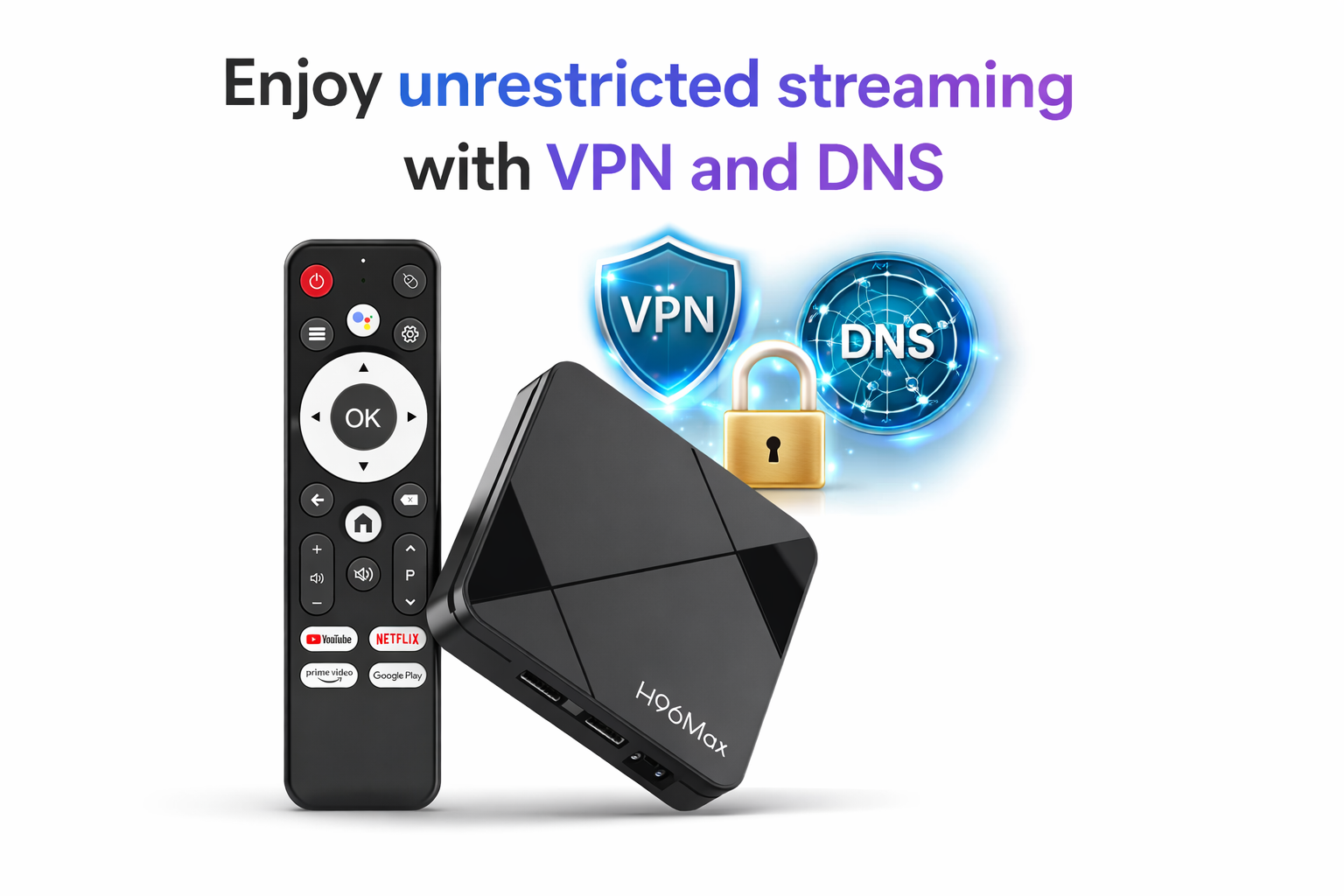
Why Android TV Box Faces Geo-Restrictions and How to Bypass Them with DNS and VPN Settings
Android TV Boxes are a popular choice for streaming media content, offering a wide range of features and entertainment options. However, one of the common challenges faced by users is geo-restrictions. These restrictions limit access to certain content based on the user’s location. If you’ve ever tried to watch a show or stream a movie only to find it unavailable in your region, you’ve likely encountered the limitations of geo-blocking. The good news is that there are ways to bypass these restrictions and regain access to the content you love. In this article, we will dive into the reasons behind Android TV Box geo restrictions and show you how to overcome them using DNS and VPN setups.
Understanding Android TV Box Geo Restrictions
Geo-restrictions, also known as region locks or geo-blocking, are a common practice among streaming services to control the availability of content in different regions. These restrictions are often based on licensing agreements and local laws, which means that some content is only available in certain countries or regions. This is where the term “Android TV Box geo restriction” comes into play.
When you try to access a streaming service on your Android TV Box, your IP address is used to determine your location. Based on this information, the service will either allow or block access to specific content. For example, certain movies, TV shows, or streaming apps may only be available to users in the United States, while others may be restricted in Europe, Asia, or other regions.
Why does this happen? The reason behind these restrictions is primarily due to content licensing and copyright agreements. Streaming services like Netflix, Hulu, and Amazon Prime Video have different deals with content creators in different countries. These agreements often limit the availability of certain titles to specific regions. As a result, users outside these regions may encounter geo-blocked content.
How to Bypass Android TV Box Geo-Blocking
If you’re tired of encountering geo-blocking on your Android TV Box, there are two primary methods to bypass these restrictions: adjusting DNS settings and using a VPN. Let’s explore both options in detail.
1. Android TV Box DNS Settings
One of the simplest ways to bypass geo-restrictions is by changing your Android TV Box DNS settings. The Domain Name System (DNS) is responsible for translating website addresses into IP addresses, helping your device access online content. By using a third-party DNS provider, you can make it appear as though you are located in a different region.
To change your Android TV Box DNS settings, follow these steps:
1. Open the Settings menu on your Android TV Box.
2. Navigate to the “Network” or “Wi-Fi” section.
3. Find your current network connection and select it.
4. Look for the DNS settings option and input the DNS addresses of a provider that offers geo-unblocking services.
5. Save the changes and restart your Android TV Box.
Once your DNS settings are updated, you should be able to access content that was previously blocked in your region.
2. Android TV Box VPN Setup
A Virtual Private Network (VPN) is another powerful tool that can help you bypass geo-restrictions. By connecting to a VPN server in a country where the content you want to access is available, you can mask your actual IP address and make it appear as though you are located in that country.
Setting up a VPN on your Android TV Box is relatively straightforward. Here’s how you can do it:
1. Install a reliable VPN app on your Android TV Box. Many popular VPN providers offer dedicated apps for Android TV.
2. Open the VPN app and log in with your account.
3. Choose a server location where the content you want to watch is available.
4. Connect to the VPN server.
5. Once connected, open your streaming app and start watching content that was previously restricted.
Using a VPN not only helps you bypass geo-blocking but also enhances your privacy and security while streaming.
Why Android TV Box Faces Region Locks
Many users often wonder, “Why Android TV Box has region restrictions?” The answer lies in the licensing and copyright issues discussed earlier. Streaming services are bound by contracts with content producers that limit how and where they can distribute their media.
These restrictions are not limited to Android TV Boxes alone. Other streaming devices, such as Roku, Apple TV, and Amazon Fire TV, also face similar geo-blocking limitations.
Unfortunately, there is little users can do to change the policies of streaming services. However, by using DNS settings or VPNs, you can access content as if you were in another country, essentially bypassing these region locks.
Why Streaming Apps Are Blocked on Android TV Box
Streaming apps are blocked on Android TV Box for the same reasons that other content is geo-restricted. These apps are subject to regional licensing agreements that dictate where they can be accessed. For example, a streaming app may only be available in certain countries due to regional broadcasting rights or distribution agreements.
While this can be frustrating for users, it’s important to understand that these restrictions are beyond the control of the user. However, by adjusting your DNS settings or using a VPN, you can bypass these restrictions and enjoy a wider range of streaming content.
Conclusion
Geo-restrictions can be a significant hurdle for Android TV Box users who want to access content from different regions. However, by changing your DNS settings or setting up a VPN, you can effectively bypass these restrictions and enjoy streaming apps and content without limitations. Whether you are trying to access Netflix shows unavailable in your region or unblock restricted websites, these tools provide an easy and reliable solution. By using DNS and VPN services, you can enjoy a seamless and unrestricted streaming experience on your Android TV Box.
READ MORE
Recommended Kodi Add-ons and Installation Methods for the International Android Box Market
How Android TV Box Supports Multilingual Systems and Remote Control Functionality?
Copyright Challenges and Solutions for Android TV Box Users Worldwide
Android TV Box Streaming App Compatibility Across Different Countries
Quick Links

.png "Watch H96 Max Android TV Box reviews on our YouTube channel")

.png "Explore H96 Max product photos on Instagram")














