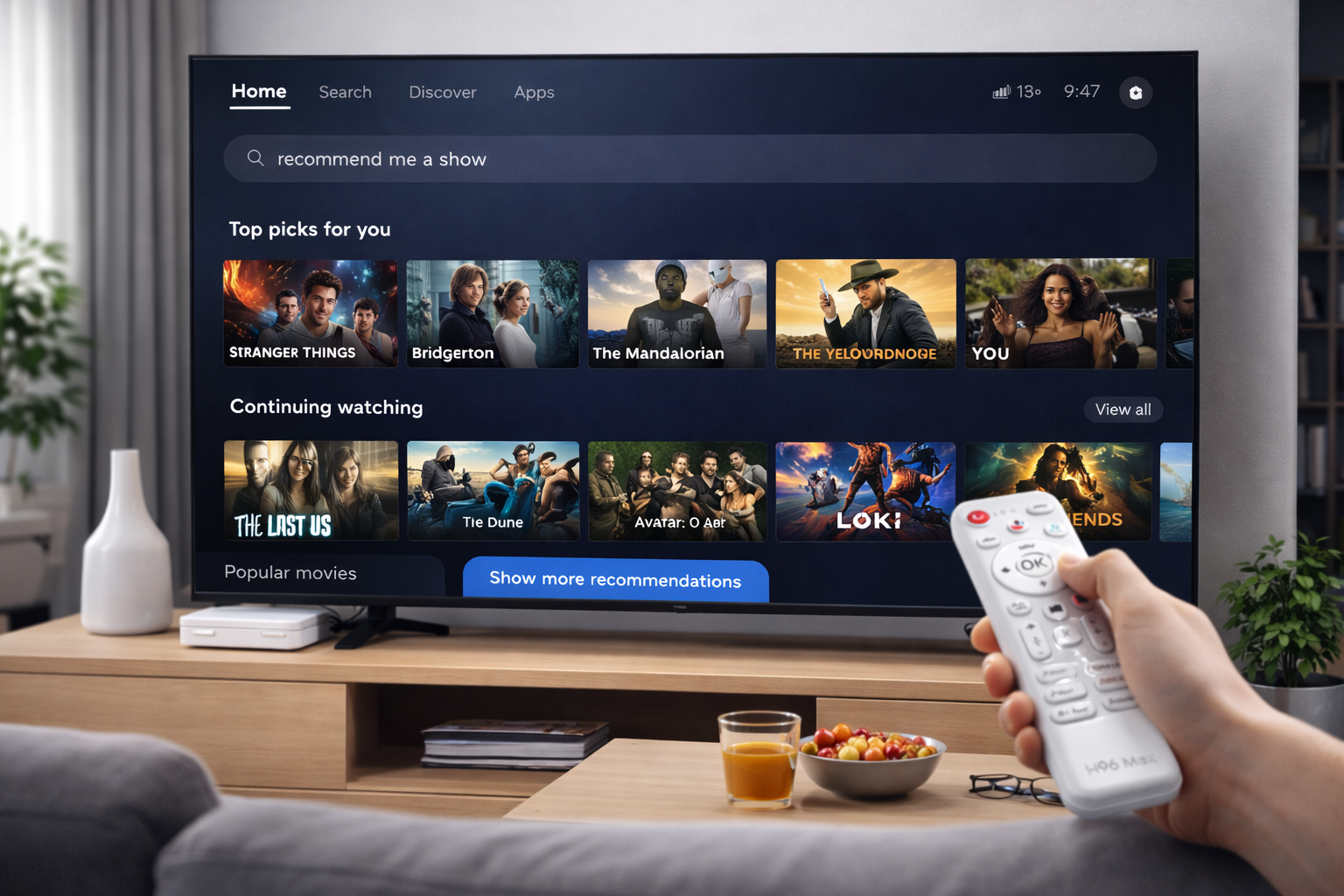
Why Android TV Box UI Feels Unique on Every Brand
The Android TV Box UI defines the user’s first impression of a device, shaping how effortlessly they can access entertainment. However, users quickly notice that not all UIs deliver the same level of performance or usability. Some are sleek and modern, while others feel outdated and sluggish. The difference stems from the level of software craftsmanship, system tuning, and brand philosophy behind each interface.
Firmware Optimization and Responsiveness
The most important factor behind a smooth Android TV Box UI is how well the firmware has been optimized. Brands that invest time in refining their software layers achieve near-instant transitions and faster loading times. H96 Max, for instance, enhances system responsiveness by reducing unnecessary background tasks, balancing memory allocation, and improving launcher animation speeds. These optimizations make navigation seamless and eliminate lag, even during multitasking or streaming.
Hardware Compatibility and System Efficiency
While CPU and RAM specifications are important, the relationship between hardware and firmware determines real-world performance. A poorly optimized UI can make even high-end chipsets underperform. On the other hand, efficient system integration ensures that every component—from GPU acceleration to storage speed—works harmoniously. The result is an Android TV Box that feels fluid, stable, and visually consistent across different usage scenarios.
UI Design and Visual Structure
The layout and flow of the interface greatly influence how users perceive quality. A balanced combination of clean typography, intuitive icon placement, and logical menu organization enhances usability. Some Android TV Box UIs overload users with unnecessary animations or complex menus, which can slow performance. Brands like H96 Max focus on simplicity—emphasizing clarity and functionality to deliver a more natural and pleasant visual experience.
The Role of Software Updates
An updated Android TV Box UI doesn’t just look better—it runs better. Regular firmware updates introduce stability patches, optimize system resources, and refresh the overall look. Unfortunately, many budget manufacturers stop releasing updates shortly after launch, leaving users stuck with outdated designs and security issues. Consistent updates, such as those provided by H96 Max, ensure a reliable and modern interface over time.
Reducing System Lag and Bloatware
Bloatware is one of the hidden culprits behind sluggish UIs. Pre-installed apps that run silently in the background can consume valuable memory and slow down performance. High-quality Android TV Boxes come with clean firmware, allowing users to experience quick boot times and fast navigation. A lightweight, ad-free environment makes a dramatic difference in how smooth the Android TV Box UI feels.
AI Personalization and Voice Integration
As smart technologies evolve, Android TV Boxes now integrate AI features that make the UI more intelligent and adaptive. Voice search, personalized recommendations, and context-aware shortcuts are transforming how users interact with content. A well-implemented AI layer can make the Android TV Box UI feel more human, reducing the steps needed to access preferred shows or apps and making the entire experience more convenient and efficient.
Conclusion
In summary, the diversity in Android TV Box UI performance and design reflects the unique approach of each manufacturer. From firmware optimization to hardware synergy, every detail shapes how smooth and responsive the interface feels. When choosing your next Android TV Box, look beyond the technical specs and focus on real-world usability. A refined UI not only enhances daily entertainment but also defines the overall quality of the viewing experience.
Follow H96 Max original factory for the best Android TV Box UI experience and contact us for inquiries.
READ MORE


.png "H96 Max Android TV Box video reviews and tutorials on YouTube")
.png "H96 Max Android TV Box photos and lifestyle shots on Instagram")




.png "Watch H96 Max Android TV Box reviews on our YouTube channel")

.png "Explore H96 Max product photos on Instagram")














