.png "H96 Max Android TV Box video reviews and tutorials on YouTube")
.png "H96 Max Android TV Box photos and lifestyle shots on Instagram")



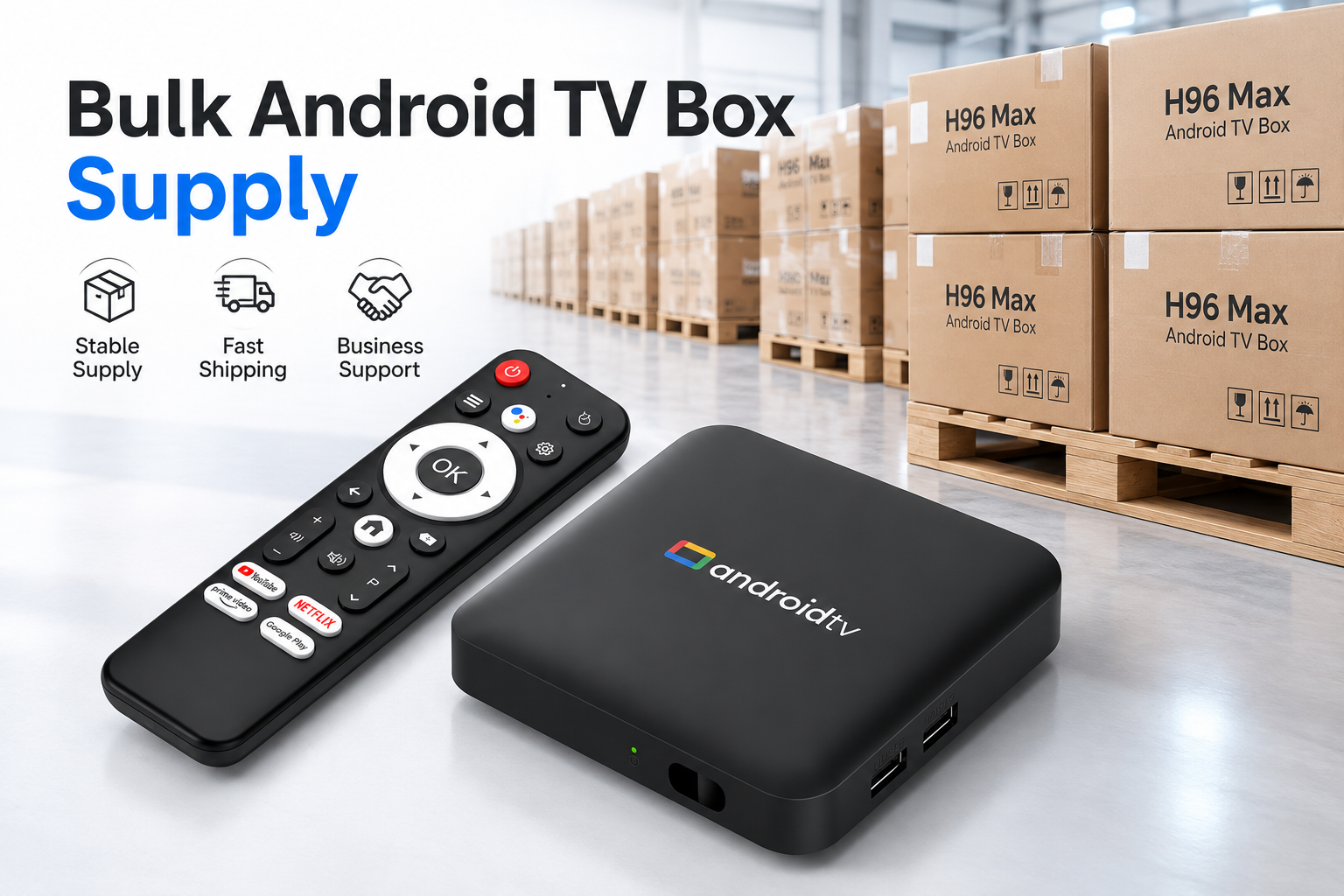
IPTV Android TV Box: A Complete B2B Buyer’s Guide
An IPTV Android TV Box is a network-connected streaming device that uses an Android-based operating system to run compatible IPTV, OTT, and streaming applications on a TV or display.
For IPTV/OTT operators, telecom companies, ISPs, hospitality projects, distributors, and consumer electronics brands, choosing the right device requires more than comparing processor, RAM, storage, or video resolution.
For B2B projects, buyers should evaluate the complete system:
Hardware + Software + Applications + Network + Firmware + Customization + Quality Control + Long-Term Support
The best device is not necessarily the one with the highest specifications. It is the configuration that matches the project's actual software, network, deployment, and commercial requirements.
Important: An IPTV Android TV Box is a hardware device. It does not automatically include IPTV channels, subscriptions, or streaming content. Available content depends on the authorized applications, platforms, and services used with the device.
What Is an IPTV Android TV Box?
An IPTV Android TV Box connects a television or display to an IP network and runs compatible IPTV, OTT, or other Android-based applications.
A typical device includes:
Processor or SoC
RAM and storage
Video decoder
Wi-Fi and/or Ethernet
HDMI output
USB and other interfaces
Android-based software
Firmware
Remote control
A simplified workflow is:
IP Network → IPTV/OTT Platform → Android TV Box → Video Processing → HDMI → TV
For commercial deployments, the box may also need a custom launcher, pre-installed applications, middleware integration, OTA updates, device management, or customized firmware.
This is why B2B buyers should evaluate the device as a complete hardware-and-software platform rather than as a specification sheet.
What Specifications Matter Most for B2B IPTV Projects?
The correct configuration depends on the intended application.
A hotel deployment, telecom project, private-label retail product, and managed IPTV service may require very different hardware and software.
Processor, RAM and Storage
The SoC affects application processing, graphics, video decoding, connectivity, and available hardware functions.
RAM supports operating-system and application operation, while storage provides space for the system, applications, updates, and local data.
Instead of simply asking:
“What is your highest RAM and storage configuration?”
B2B buyers should ask:
“What configuration does our application actually require?”
Where possible, the actual APK, middleware, launcher, or software environment should be evaluated before the final hardware configuration is confirmed.
4K, 8K and Video Codec Support
A “4K” or “8K” label alone does not determine real-world playback capability.
Buyers should evaluate:
SoC and video decoder
Required resolution
H.264, H.265/HEVC, AV1 or other required codecs
HDMI capability
Firmware
Application compatibility
Content format
Display compatibility
Network performance
For a B2B project, the important question is not simply whether a chipset lists a particular resolution or codec.
The important question is:
Can the selected hardware, firmware, application, content, and display environment work together as required?
Application Compatibility, DRM and Platform Requirements
These three concepts should not be treated as interchangeable.
Codec support ≠ Application compatibility ≠ DRM support ≠ Platform certification
A device may be capable of decoding a particular video format while still failing to meet another requirement of an application or content platform.
Before mass production, confirm:
Which applications will be installed?
What Android environment do they require?
Which codecs are required?
What DRM requirements apply?
Are there platform-specific certification requirements?
Has the actual application been tested on the selected hardware and firmware?
For large deployments, discovering an application compatibility problem during the sample stage is far better than discovering it after mass production.
Android TV vs AOSP: What Should Buyers Know?
Android TV refers to Google's television platform and ecosystem, while AOSP (Android Open Source Project) provides the open-source foundation of Android.
An AOSP-based TV box should not automatically be assumed to be a Google-certified Android TV product.
The distinction can affect:
Google services
User interface
Application compatibility
DRM
Certification
Firmware customization
Software integration
For B2B projects, define the required software environment before selecting the hardware.
A highly customized operator solution may have different requirements from a product that depends on a particular certified ecosystem.
Ethernet or Wi-Fi for IPTV?
The answer depends on the deployment environment.
Ethernet can be useful for fixed installations where stable wired connectivity is important, including hotels, commercial buildings, and managed IPTV deployments.
Wi-Fi provides greater installation flexibility where reliable wireless infrastructure is available.
Before choosing, consider:
Installation environment
Number of deployed devices
Network infrastructure
Streaming requirements
Wi-Fi coverage
Ethernet availability
Bluetooth requirements
Required USB or other interfaces
For large deployments, network design should be considered part of the solution rather than an afterthought.
Where Are IPTV Android TV Boxes Used?
IPTV / OTT Operators
Typical requirements may include customized firmware, application integration, launchers, OTA updates, device management, and specific hardware configurations.
Telecom Companies and ISPs
Long-term hardware consistency, firmware maintenance, network performance, remote software maintenance, and product lifecycle can become particularly important when devices are deployed at scale.
Hotels and Hospitality
Projects may require IPTV/OTT applications, guest information, customized interfaces, centralized configuration, and remote management.
Distributors and Consumer Electronics Brands
Buyers may require private labeling, customized packaging, different memory configurations, software customization, and stable long-term supply.
The hardware and software configuration should always be matched to the actual deployment rather than assuming one product fits every application.
Can an IPTV Android TV Box Be Customized?
Depending on the hardware platform and manufacturer, customization can take place at three levels.
Hardware Customization
Possible options may include:
SoC platform
RAM and storage
Wi-Fi and Ethernet
PCB
Interfaces
Enclosure
Remote control
Software Customization
Depending on project requirements:
Firmware
AOSP configuration
Boot logo and animation
Launcher
User interface
APK pre-installation
Application configuration
OTA-related configuration
Branding and Packaging
Private-label projects may include:
Product logo
Housing branding
Remote-control branding
Color box
User manual
Packaging
The available customization depends on the selected platform, engineering requirements, quantity, and manufacturer capability.
OEM vs ODM for IPTV Android TV Boxes
OEM generally focuses on manufacturing according to the customer's specifications or branding requirements.
An OEM project may include branding, packaging, hardware configuration, firmware configuration, pre-installed applications, and launcher customization.
ODM usually involves deeper manufacturer participation in development and engineering.
Depending on the project, this may include:
Hardware platform selection
PCB development
Enclosure development
Firmware development
Software customization
Application integration
Testing
Production
Instead of asking only whether a supplier “supports OEM/ODM,” buyers should define exactly what needs to be customized, developed, tested, and supported.
What Does an OEM/ODM Project Process Look Like?
A practical B2B project can be divided into six stages.
1. Define Requirements
Confirm:
Target market
Application scenario
Required applications
Estimated quantity
Hardware requirements
Network requirements
Software requirements
Branding requirements
2. Select Hardware and Software Platform
Determine the appropriate SoC, memory, connectivity, interfaces, Android environment, firmware, and customization scope.
3. Develop and Test Samples
Prepare samples and test the actual applications, network functions, video requirements, firmware, launcher, and required customization.
4. Confirm the Production Configuration
Freeze the agreed hardware, firmware, applications, accessories, branding, and packaging before production.
5. Production and Quality Control
Manufacture according to the confirmed configuration and perform the agreed hardware and software checks.
6. Deployment and Technical Support
For long-term projects, consider firmware maintenance, OTA requirements, troubleshooting, application compatibility, and future production consistency.
For large deployments, supplier selection should therefore consider the complete product lifecycle—not only the first shipment.
How Do You Choose an IPTV Android TV Box Manufacturer?
When evaluating an Android TV Box manufacturer, buyers should consider hardware platforms, software capabilities, product consistency, customization options, quality control, and long-term support. H96 Max serves as an Android TV Box brand, with products designed for different streaming and entertainment requirements.
Unit price is important, but it should not be the only selection criterion.
Evaluate whether the manufacturer can support the project from sample development to mass production and post-deployment support.
| Area | What to Verify |
|---|---|
| Hardware | Platforms, configurations and interfaces |
| Software | Firmware and customization capability |
| Compatibility | Ability to test required applications |
| OEM/ODM | What can actually be customized or developed |
| Quality Control | What hardware/software functions are tested |
| Sampling | Sample development and approval process |
| Production | MOQ, lead time and configuration control |
| Firmware | Maintenance and update capability |
| Technical Support | Support during development and deployment |
| Lifecycle | Long-term supply and project continuity |
A useful question is not:
“Do you provide quality control?”
Instead ask:
“What exactly do you test before shipment?”
Likewise, instead of:
“Do you support OEM?”
Ask:
“Which parts of our hardware, firmware, application, launcher, remote control and packaging can you customize?”
Specific questions reveal more than general supplier claims.
10 Questions to Ask Before Placing a Bulk Order
Before selecting an IPTV Android TV Box supplier, ask:
Which hardware platform do you recommend for our actual application?
Can you test our APK before mass production?
What firmware customization can you provide?
Can the launcher, boot logo and pre-installed applications be customized?
What OTA or remote-update options are available?
Which hardware components and interfaces can be customized?
What functions are tested before shipment?
How do you maintain consistency between approved samples and mass production?
What technical support is available after deployment?
What information do you need from us before providing a final quotation?
A capable supplier should first understand the project requirements rather than recommending a configuration based only on price.
What Should Be Tested Before Mass Production?
For B2B orders, sample testing should reflect the intended deployment as closely as practical.
Confirm at least four areas.
Hardware
Test the required network connection, HDMI output, remote control, USB ports, interfaces, and other project-specific functions.
Software
Verify the firmware, startup process, launcher, pre-installed applications, system settings, and required customization.
Application and Video
Run the applications that will actually be used and verify the required video formats, resolution, playback environment, and display compatibility.
Branding
Confirm the boot logo, launcher, product logo, remote control, packaging, and other private-label requirements.
After approval, the confirmed sample and configuration should become a clear reference for mass production.
Why Firmware and OTA Matter for Large Deployments
When hundreds or thousands of devices are deployed, software maintenance becomes part of the product lifecycle.
Future requirements may include:
Firmware updates
Application updates
Bug fixes
Configuration changes
Compatibility adjustments
Security-related maintenance
Before mass production, buyers should therefore clarify:
How will deployed devices be updated? Who manages firmware versions? What happens when an application changes? What technical support will be available after deployment?
These questions can be more important for a long-term project than small differences in initial hardware specifications.
IPTV Android TV Box B2B Purchasing Checklist
Before requesting a quotation, prepare the following project information:
Application: IPTV, OTT, telecom, ISP, hospitality, distribution, private label, or another use case.
Software: Required Android environment, APKs, launcher, firmware, DRM/platform requirements, and OTA needs.
Hardware: SoC preference if applicable, RAM, storage, Wi-Fi, Ethernet, Bluetooth, interfaces, and video requirements.
Customization: Logo, boot screen, launcher, remote control, enclosure, packaging, and user manual.
Commercial requirements: Target market, estimated quantity, sample requirements, expected delivery schedule, and other purchasing requirements.
The more complete the project information, the easier it is for the manufacturer to recommend an appropriate configuration and provide an accurate quotation.
Frequently Asked Questions
Can an Android TV Box Be Used for IPTV?
Yes, when its hardware, operating system, software, DRM, and other requirements are compatible with the authorized IPTV application or platform.
The device itself does not automatically provide IPTV channels or subscriptions.
Does an IPTV Android TV Box Support 4K?
Some models do. Actual capability depends on the SoC, decoder, codec, firmware, HDMI configuration, application, content, and connected display.
Can I Install My Own IPTV Application?
Potentially, yes, if the application is compatible with the selected hardware and software environment.
For B2B projects, test the actual application before mass production.
Can the Launcher and Boot Logo Be Customized?
Depending on the platform and manufacturer, customized launchers, boot logos, firmware, applications, and other software elements may be available.
Can IPTV Android TV Boxes Be Private Labeled?
Depending on the manufacturer, private-label options may include product branding, remote control, launcher, firmware interface, color box, manual, and packaging.
How Do I Choose an IPTV Android TV Box Supplier?
Evaluate hardware and software capability, application compatibility, OEM/ODM capability, quality-control processes, firmware support, technical support, production requirements, and long-term supply capability—not unit price alone.
Conclusion
Choosing an IPTV Android TV Box for a B2B project requires more than comparing processor, RAM, storage, or video resolution.
For IPTV/OTT providers, telecom companies, ISPs, hospitality projects, distributors, and brands, the complete solution should be evaluated across:
Hardware + Software + Applications + Network + Firmware + Customization + Quality Control + Long-Term Support
The highest specification is not automatically the best configuration, and the lowest quotation is not automatically the lowest-cost solution.
The right device is the one that matches the project's actual technical, commercial, and deployment requirements.
Planning an IPTV Android TV Box Project?
Before requesting a quotation, prepare six key items:
Target market · Application scenario · Required APK/software · Hardware requirements · Estimated quantity · OEM/ODM requirements
For customized or large-volume projects, confirm application compatibility, firmware, hardware configuration, network connectivity, and branding requirements through sample testing before mass production.
Quick Links

.png "Watch H96 Max Android TV Box reviews on our YouTube channel")

.png "Explore H96 Max product photos on Instagram")